
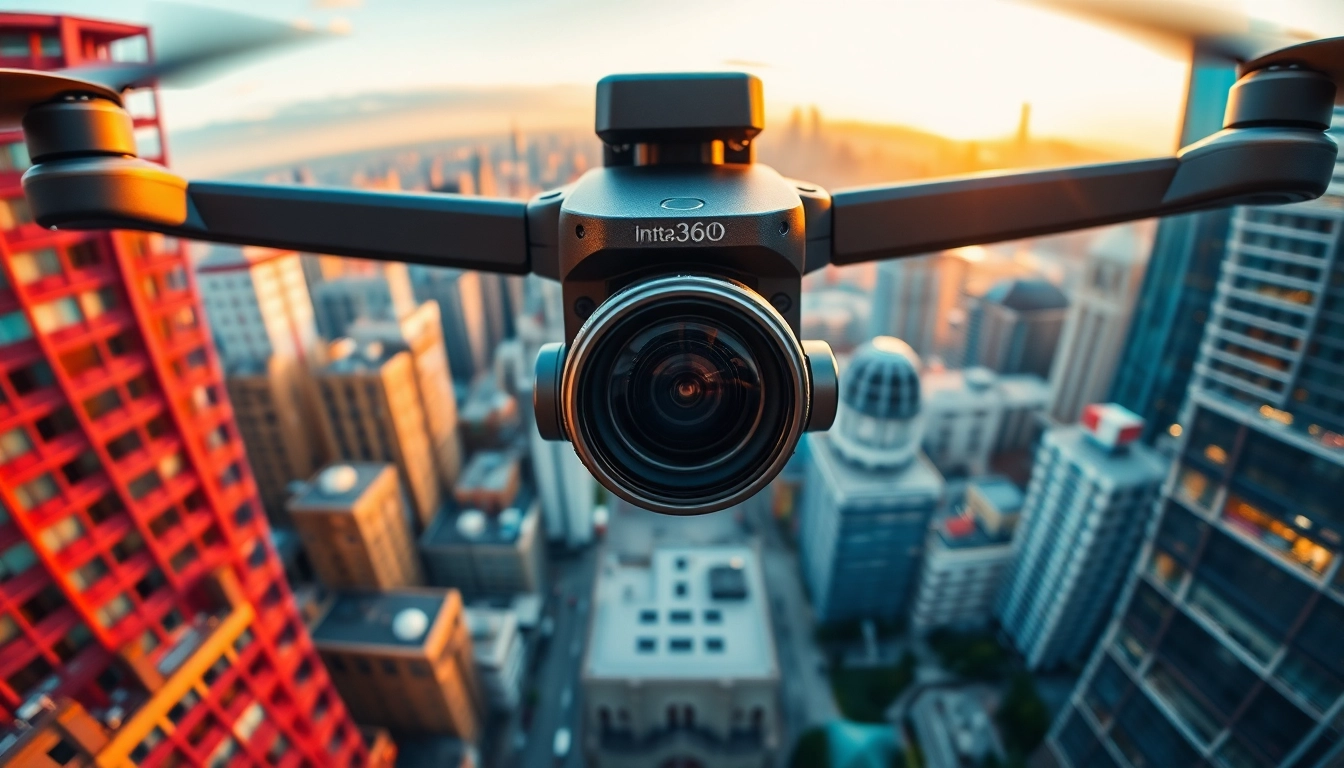
Understanding the Insta360 Technology
What is Insta360?
Insta360 represents a groundbreaking series of 360-degree cameras designed to deliver immersive visual content. The core of Insta360's innovation lies in its ability to capture a complete environment in a single shot, making it an invaluable tool for content creators, filmmakers, and anyone looking to document their experiences in a captivating way. With the integration of advanced software and hardware, Insta360 has revolutionized the way we perceive photography and videography, taking storytelling to new heights.
How Insta360 Works
The functionality of Insta360 cameras is primarily rooted in their dual-lens design, which simultaneously captures high-resolution footage from two different perspectives. This footage is then stitched together through proprietary image-processing algorithms that create a seamless 360-degree panoramic image or video. The user-friendly interface makes it easy to navigate settings, while additional features such as stabilization technology ensure that the final product is smooth and professional-looking. When used in tandem with mobile and desktop applications, the editing possibilities become endless, allowing creators to add effects, adjust framing, and share their work easily. For more detailed information, you can visit Insta360.
Key Features of Insta360
Insta360 cameras boast a variety of features that set them apart in the 360-degree camera market:
- High Resolution: With up to 8K video capture and high-quality photos, Insta360 creates stunningly detailed images suitable for professional use.
- FlowState Stabilization: This innovative technology ensures that even the shakiest of shots are transformed into smooth, cinematic footage.
- AI Editing: Insta360's software features AI-assisted editing tools that simplify the process of cutting clips and adding transitions, making it ideal for beginners.
- Live Streaming Capabilities: The ability to live stream directly from the camera elevates the user experience, making it popular for events or social media content.
- Versatility: Various mounting options and accessories allow for use in multiple environments, improving accessibility in professional, casual, and adventure settings.
Applications of Insta360 in Photography
Vlogging with Insta360
Vlogging has transformed the way we share our lives and experiences, and Insta360 fits perfectly into this space. Its lightweight and portable design makes it easy to capture engaging vlogs on the go. The 360-degree capability allows vloggers to create interactive videos that keep their audience intrigued. By utilizing features such as auto-framing, vloggers can focus on themselves without worrying about composition. Additionally, users can share their vlogs on various platforms directly from the Insta360 app, enhancing their audience's engagement effortlessly.
Travel Photography Techniques
For travel photographers, capturing the essence of adventure can often be challenging. Insta360 cameras enable travelers to take expansive landscape shots or intimate close-ups, giving a fuller story of their journey. Techniques such as setting up a time-lapse encounter with beautiful scenery, using HDR options for sunrises or sunsets, and even capturing the bustling energy of local markets become easier and more dynamic. The immersive nature of 360-degree photography also allows viewers to feel as if they are present in the moment, whether it's standing on a mountaintop or wandering through a vibrant city street.
Using Insta360 for Real Estate
The real estate sector has embraced 360-degree photography as a way to showcase properties. High-quality virtual tours created with Insta360 can entice potential buyers by providing them with an immersive experience of homes or commercial spaces. By offering high-resolution images that help highlight unique architectural features, spacious rooms, and outdoor spaces, real estate agents can reach clients worldwide without needing physical visits. These virtual tours can also integrate with real estate platforms, making listings more attractive and interactive.
Creating Stunning Content with Insta360
Setting Up Your Insta360
Getting started with your Insta360 camera is straightforward. Begin by fully charging the device and ensuring it is updated to the latest firmware. Familiarize yourself with the camera's interface, including settings for resolution, stabilization, and shooting modes. Depending on your shooting scenario, you can choose between different configurations, such as timelapse, HDR, or bullet-time mode. Aim to scout locations beforehand to identify optimal lighting conditions and backgrounds that complement your content style.
Editing Tips for Best Results
Editing footage taken with Insta360 can greatly enhance its appeal. Utilize the Insta360 app for effortless editing that includes features like smart cuts for highlights, filters to match your aesthetics, and the ability to add music and captions. Where applicable, adjust the color grading to ensure your visuals align with the mood you want to convey, and don’t forget to create engaging transitions that maintain flow. Keeping your content concise often yields better engagement, so be selective with your clips.
Sharing and Marketing Content Created with Insta360
Once your content is edited, it’s time to share it effectively. Utilize social media platforms where visual content thrives, such as Instagram and YouTube. Incorporate hashtags relevant to your niche for wider reach. Craft engaging captions that resonate with your audience and include calls to action, inviting them to comment, share, or visit your link for more content. Collaborations with other creators or influencers can also leverage your content across multiple demographics, enhancing visibility and engagement.
Challenges and Solutions with Insta360
Common Issues and How to Overcome Them
While using Insta360, users may encounter common challenges, such as stitching errors or battery drain. To avoid stitching errors, ensure that your camera is level and that it captures enough overlap between shots. For battery-related issues, consider carrying portable chargers or additional batteries, especially during long shooting sessions. Regularly cleaning your lenses and checking for firmware updates can further enhance performance.
Maintaining Your Insta360 Camera
Regular maintenance enhances the longevity of your Insta360 camera. Keep it clean by using a lens cloth to remove dust or smudges. Safeguard against physical damage by storing your camera in a padded case during travel. Additionally, ensure that your device is stored in a cool, dry place to avoid moisture damage. Regularly check for software updates to benefit from improved features and bug fixes that can optimize performance.
Optimizing Footage for Different Platforms
Each platform has specific requirements and preferences for video content. Tailor your edits by employing different aspect ratios for Instagram Stories, YouTube videos, or Facebook posts. Add engaging captions, music, and tags to enhance discoverability. Always test your footage on various devices before posting to ensure that it displays correctly across screens. Analytics from each platform can also provide insights into audience engagement, helping you refine your approach moving forward.
Future Trends in 360 Photography
Emerging Technologies Alongside Insta360
The future of 360 photography looks increasingly promising as emerging technologies enhance the capabilities of existing devices. Developments in VR headsets and augmented reality applications are set to complement 360 photography, offering users a more immersive experience. Additionally, advancements in AI and machine learning will likely improve editing processes, enabling creators to produce higher-quality, stunning visual content with less effort.
Predictions for 360 Photography Growth
As audiences increasingly crave immersive experiences, the demand for 360 photography is expected to grow. Industries such as real estate, travel, and entertainment will continue to embrace this technology, creating unique marketing strategies to engage audiences. Brands will increasingly seek to incorporate interactive visuals in their campaigns, providing viewers with a sense of presence and connection that static images cannot deliver.
Adaptive Techniques for Changing Landscape
As the landscape of content creation continues to evolve, adaptability will be vital. Embracing new platforms and keeping updated on trends will help creators stay ahead. Experimenting with emerging technologies such as drone integration for aerial 360 shots can expand the storytelling capabilities of your content. Engaging with user communities and sharing best practices can foster innovation and creativity while keeping your content relevant and exciting.
Frequently Asked Questions
1. What types of content can I create with Insta360?
You can create a variety of content including vlogs, travel videos, real estate tours, and interactive experiences with Insta360. The 360-degree capture allows for immersive storytelling in various genres.
2. How do I ensure my videos are stable?
Utilizing Insta360's FlowState stabilization feature will ensure your videos are smooth. Additionally, remember to keep the camera level during shooting to reduce any potential stitching errors.
3. Can I use Insta360 for live streaming?
Yes, many Insta360 models offer live streaming capabilities. You can easily broadcast events directly from your camera to various social media platforms.
4. What should I do if the battery drains quickly?
To manage battery life, ensure your camera is updated and consider using power-saving modes during long sessions. Carry spare batteries or portable chargers for extended shooting times.
5. How can I edit my Insta360 footage?
The Insta360 app provides user-friendly editing tools, including AI-driven edits and filters. It allows you to cut clips, add transitions, and enhance your videos before sharing them online.


