Understanding TradingView: Features and Benefits
In today's fast-paced trading environment, having the right tools at your disposal can make all the difference. One of the most comprehensive platforms for traders is TradingView, offering a suite of features that empower users to analyze markets effectively. Whether you are a day trader, swing trader, or long-term investor, understanding how to leverage these features can be crucial for success. This article dives deep into what TradingView is, its key functionalities, benefits for various types of traders, and how to set yourself up for success using this platform.
What is TradingView?
TradingView is a powerful cloud-based charting platform that provides real-time market data, advanced graphical analysis tools, and social network capabilities for traders. Launched in 2011, it has quickly become a go-to resource for investors of all levels. The platform offers accessibility from any device—whether a desktop, tablet, or mobile—making it a versatile option for those looking to stay updated on financial markets.
Key Features: Charting and Alerts
TradingView is renowned for its versatile charting capabilities. Users can create custom charts with various time intervals, utilize over a hundred technical indicators, and perform in-depth analysis with tools like Fibonacci retracements and trend lines. In addition, the alert system allows traders to automate their trading strategies by notifying them when specific conditions are met, reducing the need to constantly monitor their screens.
Benefits for Different Types of Traders
Different traders have unique needs, and TradingView caters to this diversity. Day traders benefit from real-time data and quick execution features, while swing traders find value in the ability to set alerts and track price movements over several days. Long-term investors can utilize the platform's extensive screening tools to analyze and compare various assets, enabling informed decision-making.
Mastering Chart Analysis with TradingView
Understanding how to use TradingView's advanced charting tools is essential for effective technical analysis. Mastery of these tools can drastically improve trading performance and decision-making.
How to Use Technical Indicators Effectively
TradingView allows users to incorporate a wide array of technical indicators into their charts. Some popular indicators include the Moving Average Convergence Divergence (MACD), Relative Strength Index (RSI), and Bollinger Bands. When used effectively, these indicators can signal potential buy or sell opportunities. For example, a bullish MACD crossover might indicate an upward trend, prompting traders to enter a long position.
Creating Custom Layouts for Enhanced Viewing
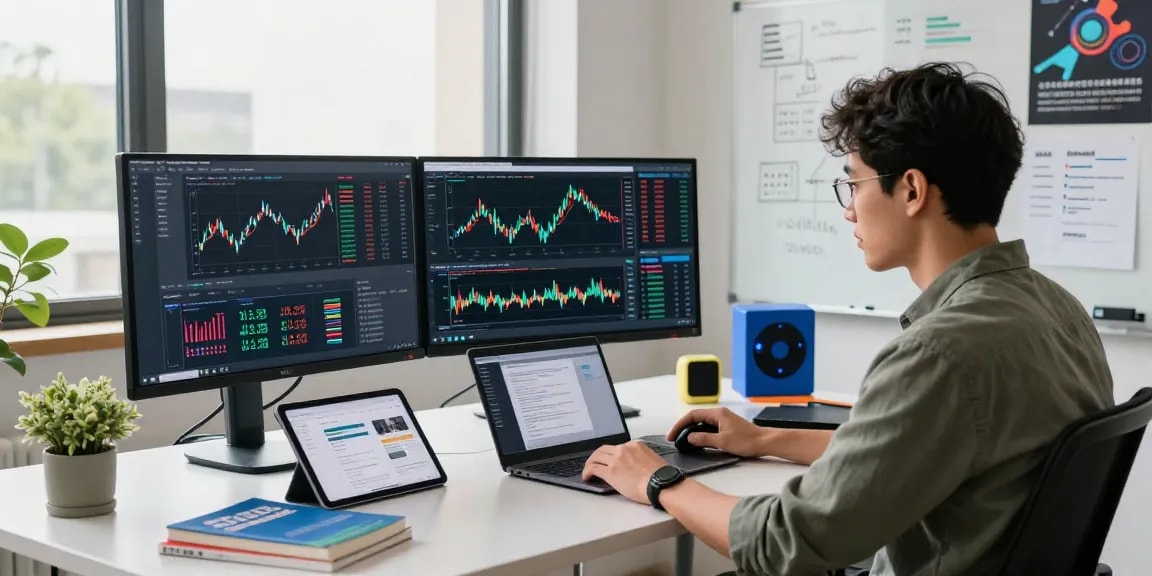
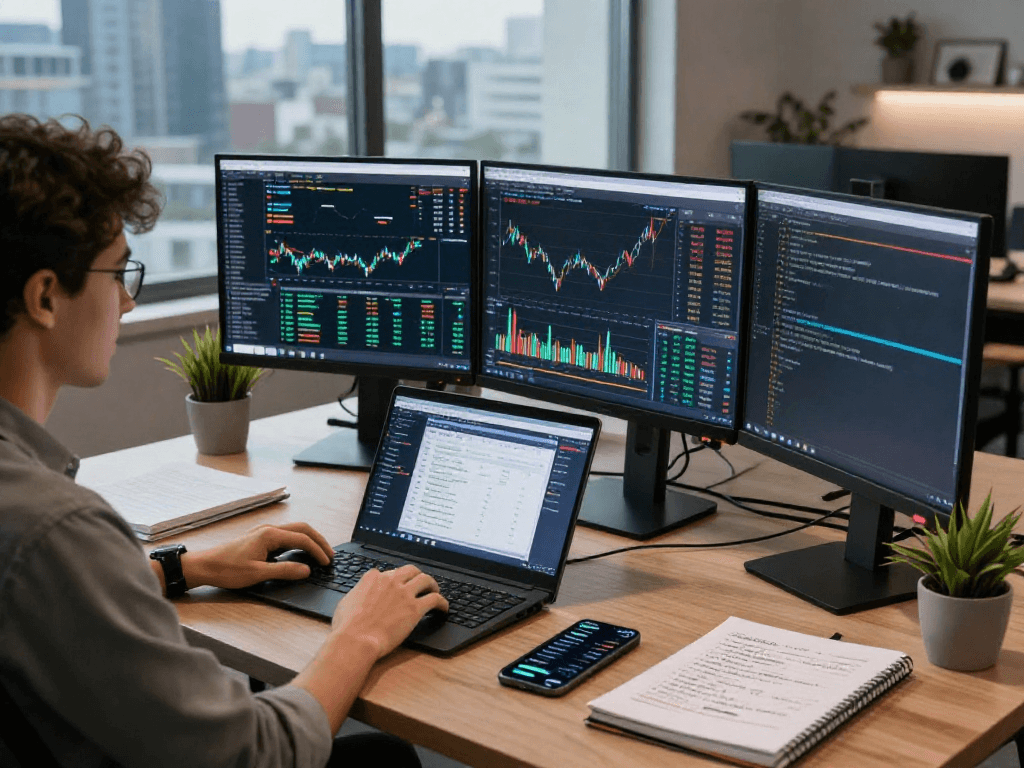
One of the standout features of TradingView is the ability to create custom chart layouts. Traders can arrange multiple charts side-by-side, each with different timeframes or assets. This flexibility allows for thorough analysis and comparison, particularly useful during high-volatility market conditions.
Case Studies: Successful Charting Strategies
To illustrate the effectiveness of TradingView's charting capabilities, consider the case of a trader who successfully implemented a combination of Fibonacci retracement levels and RSI analysis. By using TradingView to identify key price levels, the trader was able to optimize entry and exit points for maximum profitability. Such case studies underscore the importance of mastering the platform's functions.
Setting Up Alerts: A Game Changer for Traders
Alerts are a cornerstone of TradingView, allowing users to stay informed without the constant need for manual monitoring. This feature is critical in helping traders maintain their focus on strategy rather than micromanagement.
Types of Alerts Available on TradingView
TradingView supports various types of alerts, including price alerts, condition alerts based on technical indicators, and alerts for changes in specific market conditions. For example, traders can set a price alert to notify them when a stock crosses a predetermined threshold, enabling them to react promptly to market shifts.
Best Practices for Setting Up Notifications
To maximize the effectiveness of alerts, traders should clearly define their criteria and avoid excessive alerts that can lead to notification fatigue. A well-structured alert system will prioritize key trading signals, ensuring that traders receive timely and relevant updates. For instance, using conditional alerts in conjunction with trend lines can provide proactive insights into potential reversals.
Real-Life Applications of Alerts in Trading
Many traders have experienced significant gains by effectively utilizing alerts. For instance, a trader focusing on forex markets set alerts for breakout levels on major currency pairs. The timely notifications allowed them to enter trades just as the movements were confirmed, maximizing their profit potential.
Cross-Platform Trading: From Desktop to Mobile
The flexibility of TradingView extends beyond its features to its ease of access across various devices. This cross-platform capability is essential for modern traders who need mobility without sacrificing functionality.
Benefits of Using TradingView Across Devices
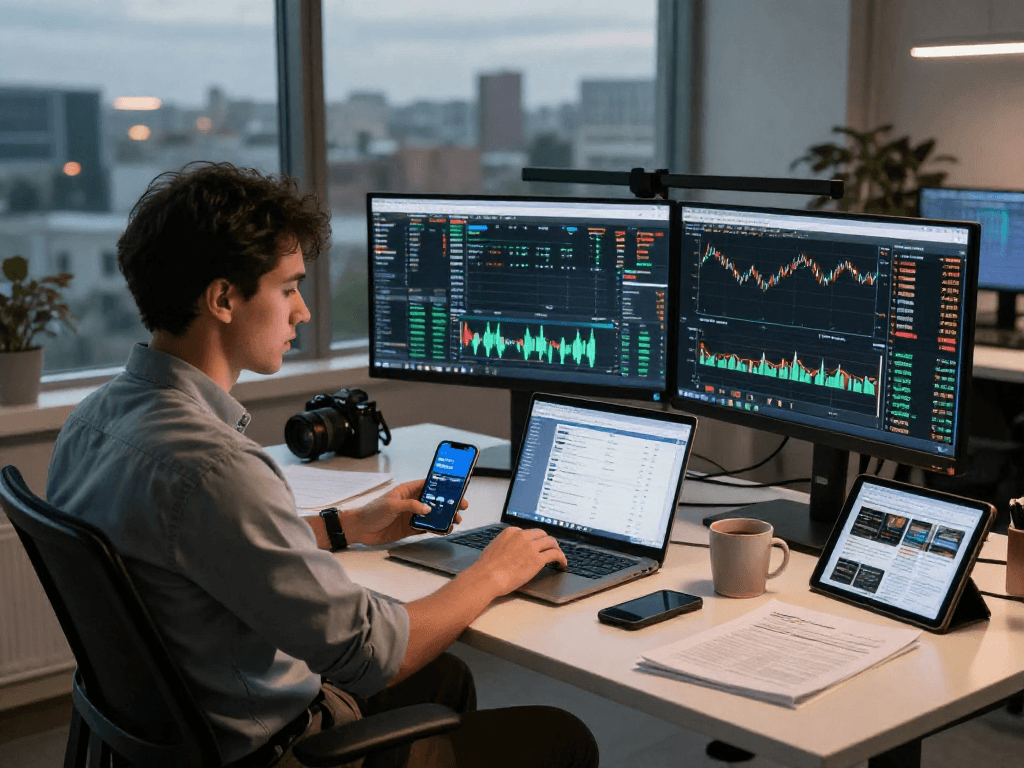
TradingView is accessible on desktops, tablets, and smartphones, ensuring users can conduct analysis and make trades regardless of their location. This cross-device compatibility removes barriers and enhances the trading experience, especially for those who are often on the move or travel frequently.
Syncing Settings for Seamless Experience
When you log into your TradingView account from any device, your settings, charts, and alerts are seamlessly synchronized. This feature ensures that you can start analyzing the market on your desktop and continue on your mobile device without any loss of data or workflow.
Mobile Trading Features: What to Expect
The mobile application of TradingView provides robust features similar to the desktop version. Users can view charts, set alerts, and even execute trades, making it a powerful tool for on-the-go trading. The user interface is designed to provide a comprehensive trading experience, even on smaller screens.
Future Trends: TradingView in 2026 and Beyond
As technology continues to evolve, TradingView is poised to adapt and grow, staying at the forefront of market analysis tools. Understanding these future trends can help users leverage upcoming features and maintain a competitive edge.
Emerging Technologies Impacting TradingView
Machine learning and AI are increasingly influencing the trading landscape. In the coming years, TradingView may enhance its analysis capabilities by integrating more sophisticated algorithms for predictive analytics and automated trading strategies.
Predictions for Market Analysis Tools
As data analytics capabilities continue to expand, tools like TradingView are expected to offer more visualization options, improved filtering capabilities, and smarter alerts. This evolution will empower users to make more informed decisions based on comprehensive market insights.
How to Stay Ahead with TradingView Innovations
To keep pace with these advancements, traders should regularly explore new features and updates on TradingView. Engaging with the community and utilizing educational resources can provide significant insights into how to adapt strategies effectively.
FAQs
What devices is TradingView compatible with?
TradingView is compatible with various devices, including desktops (Windows, macOS, Linux), tablets, and mobile devices (iOS and Android). This cross-device functionality ensures traders can access their accounts from anywhere, enhancing flexibility.
Can I integrate TradingView with my brokerage?
Yes, TradingView offers integration options with various brokerage accounts, allowing for trading directly from the platform. This feature streamlines the trading process and enables users to execute trades while analyzing charts.
What are the differences between free and paid plans?
While TradingView offers a robust free version with many features, paid plans unlock advanced functionalities such as more data types, additional indicators, and increased alert limits. The specific benefits can vary by subscription tier.
How do alerts work on TradingView?
Alerts on TradingView can be customized based on price levels, technical conditions, or specific indicators. Once set, users receive notifications via email, SMS, or through the app, ensuring they stay informed of important market movements.
Is a desktop version necessary for TradingView?
While the desktop version provides enhanced features like multiple chart displays and advanced layouts, it is not strictly necessary. Most core functionalities can be accessed through the web-based platform, making TradingView versatile for all types of users.