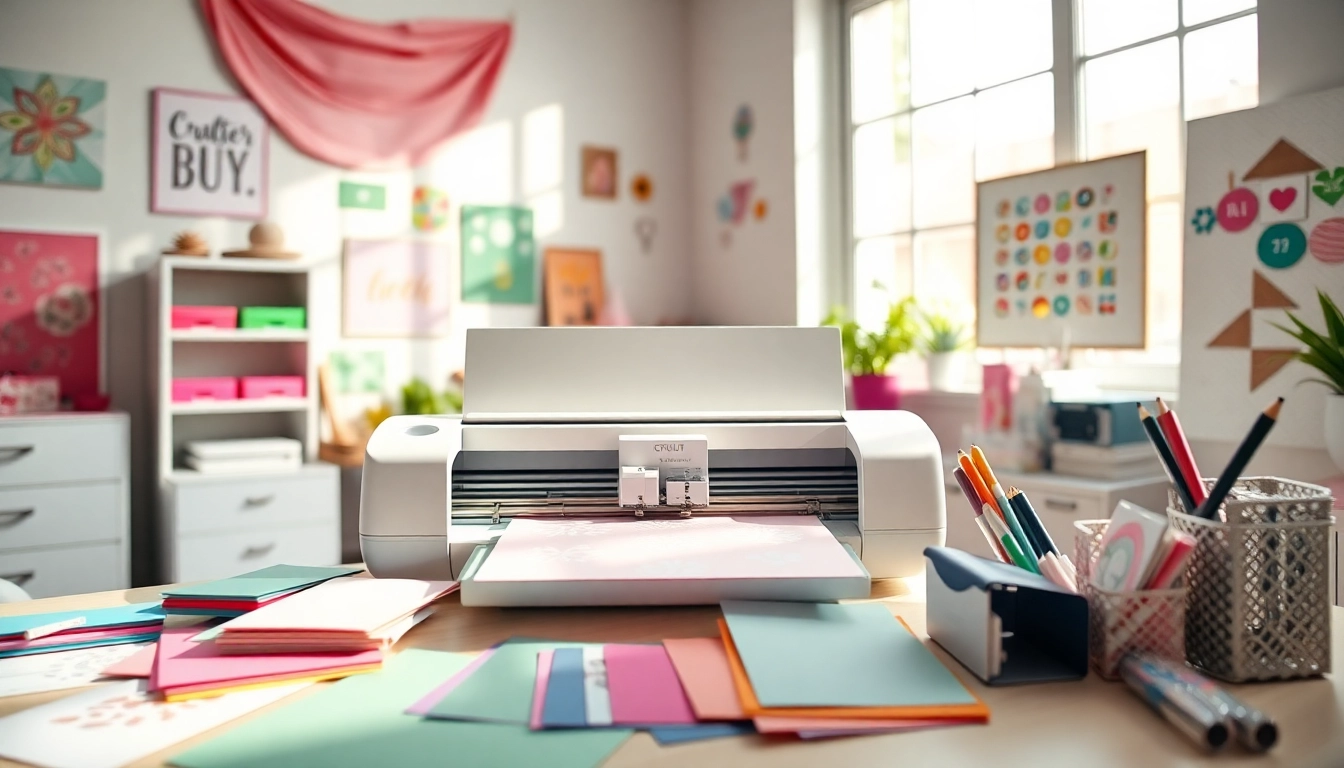
Understanding Cricut SVG Files
Cricut SVG files are essential in the world of crafting, providing a versatile format for cutting machines like the Cricut Maker and Cricut Explore. By transforming intricate designs into scalable vector graphics, these files empower creators to personalize their projects with ease and precision. Whether you are a beginner or a seasoned crafter, understanding the nuances of Cricut SVG files can significantly enhance your creative endeavors.
When exploring options, Cricut SVG resources offer comprehensive insights into these files and their applications.
What Are Cricut SVG Files?
SVG stands for Scalable Vector Graphics, a file format that allows designs to be scaled to any size without losing quality. This is crucial for crafting projects, as it ensures that intricate designs maintain clarity during cutting. SVG files are composed of paths and shapes, enabling the Cricut machine to interpret and cut accordingly. Unlike raster formats such as JPEG or PNG, SVG files are resolution-independent, making them ideal for various projects.
Benefits of Using Cricut SVG Files for Projects
- Versatility: SVG files are compatible with various crafting machines, not just Cricut, making them a great investment for any crafter.
- Precision: The vector format allows for accurate cuts, reducing the likelihood of mistakes and wasted materials.
- Scalability: You can resize the design without compromising quality, making it suitable for projects of any size.
- Customization: SVG files can easily be modified in design software, allowing for personal touches.
How to Choose the Right SVG File for Your Needs
Selecting the appropriate SVG file can significantly impact the outcome of your project. Consider the following factors:
- Project Type: Identify whether you’re creating a card, a t-shirt design, or a home decor item, as this will influence your design choice.
- Complexity: Choose files that match your skill level; intricate designs may require more experience to execute flawlessly.
- File Quality: Look for high-quality files to avoid issues during cutting or printing.
Getting Started with Cricut SVG
Setting Up Your Cricut Machine for SVG Cutting
Before you can start crafting with SVG files, it’s essential to properly set up your Cricut machine. First, ensure that your device is connected to your computer or smartphone via Bluetooth or USB. Next, install the necessary software, such as Cricut Design Space, which is crucial for importing and managing your SVG files. Once your machine is set up, you can calibrate it to ensure that the cuts are precise and aligned correctly.
Downloading and Importing SVG Files into Design Space
Importing SVG files into Design Space is a straightforward process. You can either upload files from your device or access them from Cricut Access, a subscription service offering a vast library of designs. After downloading an SVG file, open Design Space and select the "Upload" button. Follow the prompts to import your file, and once it’s uploaded, you can customize it further if needed.
Basic Design Adjustments for Perfect Cuts
To achieve flawless cuts, make sure to adjust the design settings before cutting. This may include resizing the design, adjusting the line type (cut, draw, or score), and choosing the appropriate material settings. Preview your project to ensure that everything is set correctly, and make any necessary tweaks to enhance the final result.
Advanced Techniques for Custom Cricut SVG Designs
Creating Your Own SVG Files with Design Software
If you're looking to expand your crafting capabilities, consider creating custom SVG files using design software like Adobe Illustrator or Inkscape. These tools allow you to draw shapes, add text, and manipulate designs to fit your vision. Once you’ve completed your design, save it as an SVG file, making it ready for Cricut cutting.
Using Layers and Effects for Enhanced Designs
Working with layers can elevate your projects, making them more visually appealing. By using different layers for various elements of your design, you can create depth and complexity. Additionally, incorporating effects such as shadows or gradients can enhance the overall appearance of your project.
Tips for Troubleshooting Common SVG Issues
Sometimes, SVG files can present challenges. Common issues include missing cut lines or incorrect sizing. To troubleshoot these problems, ensure your SVG file is correctly formatted and check for any hidden layers. If issues persist, consider using design software to edit the file or consult online communities for assistance.
Inspiration and Ideas for Cricut SVG Projects
Top Trending Cricut SVG Designs in 2026
As crafting trends evolve, so do the popular designs. In 2026, expect to see a rise in minimalist designs, botanical themes, and typographical art. Integrating popular phrases and current aesthetics into your projects is a great way to keep your creations fresh and relevant.
Seasonal and Holiday Cricut SVG Crafting Ideas
Seasonal projects offer a delightful way to utilize your Cricut SVG files. Create custom holiday decorations, themed gift wraps, or personalized cards. Popular occasions include Christmas, Halloween, and birthdays, where specific designs can resonate with the spirit of the season.
Real-World Applications of Cricut SVG in Businesses
Cricut SVG files are not just for personal projects; they can also enhance business opportunities. Entrepreneurs can use custom designs for branding, merchandise, and promotional materials. The versatility of SVG files allows businesses to tap into customization trends, catering to their customers’ unique preferences.
Future of Cricut SVG and Crafting Innovations
Emerging Trends in Cricut and SVG Technology by 2026
The future of Cricut and SVG technology is promising, with advancements in software and machine capabilities on the horizon. Expect enhanced design software integration, AI-driven design recommendations, and improved material compatibility. These innovations will streamline the crafting process and expand creative possibilities.
Integrating Cricut SVG with Other Crafting Techniques
Blending Cricut SVG files with other crafting techniques can lead to unique results. For instance, using heat transfer vinyl or combining cut designs with sewing projects can create professional-looking items. Experimenting with different materials and methods will enhance your crafting skills and broaden your creative horizons.
Community Resources for Cricut SVG Enthusiasts
The Cricut community is vast and supportive, offering numerous resources for enthusiasts. Online forums, social media groups, and tutorial websites provide a wealth of inspiration and guidance. Engaging with these communities can help crafters share ideas, seek advice, and collaborate on projects, fostering a sense of camaraderie among creators.