Understanding the MV88 Microphone
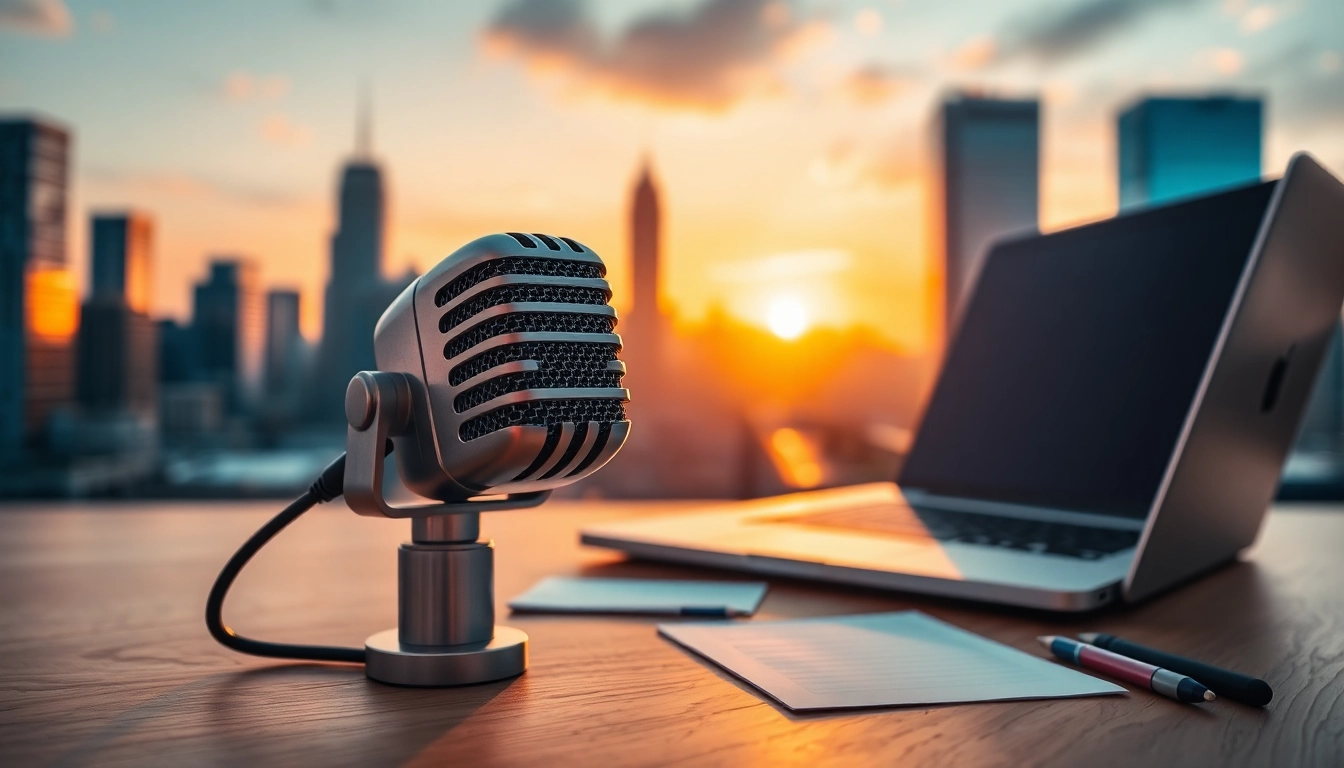
The MV88 microphone by Shure is revolutionizing the audio recording landscape with its compact design and high fidelity. Particularly popular among content creators, musicians, and podcasters, the MV88 offers unparalleled audio quality and versatility. What sets this microphone apart is its unique construction and performance features that allow for exceptional sound capture in various environments. This guide delves into the features and benefits of the MV88, alongside practical tips for users, helping you maximize your sound experience whether you’re recording music, interviews, or videos. For more on this outstanding microphone, check out its specifications on the MV88 page.
What Makes the MV88 Unique?
The MV88 is notable for its innovative design and ease of use. As a stereo condenser microphone, it truly stands out in the crowded market of mobile audio recording. Supported by Shure’s proprietary technology, the MV88 offers features such as adjustable stereo width, multiple polar patterns, and a lightning connector that makes it compatible with iOS devices. Whether recording on-the-go or in a studio setting, the MV88 excels in delivering clear and crisp audio.
Key Features and Specifications
- Type: Mid-side stereo condenser microphone
- Frequency Response: 20Hz to 20kHz
- Output Connection: Lightning connector for iOS devices
- Audio Resolution: Up to 24-bit/48kHz
- Polar Patterns: Cardioid, bidirectional, and mono modes available
- Dimensions: Compact and portable design
The combination of these features not only enhances convenience but also allows for greater control over the audio capture process, thus making it ideal for various applications ranging from podcasts to musical recordings.
Common Use Cases for the MV88
The versatility of the MV88 shines through its adaptability to different recording scenarios:
- Podcasts: Ideal for hosting live interviews due to its clear sound pickup and easy integration with multiple devices.
- Music Recording: Musicians love it for capturing studio-quality sound while performing in diverse environments.
- Video Creation: Vloggers and content creators find it useful for synchronizing high-quality audio with their visuals.
- Field Recording: Its portable nature makes it a go-to for environmental sounds and interviews on location.
This microphone's adaptability and premium performance empower users to produce professional-grade audio with ease.
Setting Up Your MV88 Microphone
Beginner's Guide to Installation
Setting up the MV88 microphone is straightforward, allowing even novices to prepare for audio recording without hassle:
- Unbox the microphone and ensure all components are included.
- Connect the MV88 to your iOS device’s lightning port.
- Download the ShurePlus MOTIV app to access advanced recording settings and tools.
- Launch the app, and the microphone will automatically detect and configure itself.
With these steps, you’re ready to start recording high-quality sound instantly.
Compatibility with Devices
The MV88 is tailored primarily for use with iOS devices like iPhones and iPads. Its lightning connector and the support provided by the ShurePlus MOTIV app make it easy to integrate into your mobile setup. However, the microphone can also be used with external adapters or interfaces to connect with other devices, expanding its usability. Users should take care to check compatibility with their respective operating systems and devices before proceeding with recording.
Optimizing Audio Settings for Best Results
To achieve the best audio quality with the MV88, it’s crucial to optimize your settings in the ShurePlus MOTIV app:
- Adjust Gain Levels: Set the gain appropriately to match the sound source distance to avoid distortion.
- Choose the Right Polar Pattern: Select the polar pattern based on your recording context (cardioid for solo recordings, bidirectional for interviews).
- Utilize Stereo Width settings: Modify the stereo width for a more engaging listening experience.
- Monitor in Real-Time: Use headphones to monitor sound levels while recording to ensure clarity.
These refinements will help you achieve the desired sound characteristics tailored to your recording needs.
Recording Techniques with the MV88
Positioning the Microphone for Clarity
The positioning of your MV88 is critical to achieving optimal sound clarity. Here are some tips for proper placement:
- Hold the microphone at a distance between 6 to 12 inches from the sound source – closer for louder sounds and farther for softer ones.
- Angle the microphone toward the source of sound for enhanced clarity, particularly in multi-source environments.
- For interviews, position the microphone equidistantly between speakers to evenly capture dialogue.
Experimenting with positioning allows you to discover the ideal setup for your specific audio needs.
Environmental Considerations for Better Sound
To ensure high-quality recordings, take note of your recording environment. Here are a few strategies to enhance your audio quality:
- Minimize Background Noise: Record in a quiet space to reduce unwanted ambient sounds.
- Choose Acoustically Friendly Spaces: Opt for rooms with soft furnishings that absorb echo, such as carpets and curtains.
- Use Windshields Outdoors: If recording outside, a windshield can greatly reduce wind noise, maintaining the integrity of your audio.
Being mindful of your surroundings will significantly improve your recording quality.
Using the MV88 for Different Content Types
The MV88's design allows it to cater to various content types effectively:
- Interviews: Use the bidirectional setting for capturing multiple speakers, ensuring clarity in dialogue.
- Live Performances: Utilize the cardioid pattern to focus on the performers while minimizing audience noise.
- Content Creation: For YouTube videos and podcasts, adjust the settings based on the desired effect; whether it’s whole-room sound or close-up clarity.
Your choice of recording method can have a profound effect on the engagement level of your audience.
Editing and Enhancing Your Audio
Software Recommendations for MV88
After capturing audio with the MV88, the next step is enhancing the recordings through editing software. Some recommended software options include:
- Audacity: A free, open-source platform that offers robust features for audio editing, perfect for beginners and experienced users alike.
- Adobe Audition: A professional-grade software ideal for those seeking advanced audio manipulation and processing features.
- GarageBand: A user-friendly option for Mac users, combining simplicity with powerful audio capabilities.
These programs provide a powerful suite of tools to elevate your audio quality through effective editing.
Audio Editing Basics: Tips and Tricks
For those new to audio editing, here are some essential tips to get you started:
- Trimming Unwanted Sections: Remove any silence or irrelevant sounds at the beginning or end of your recordings.
- Normalize Audio Levels: Ensure consistent volume across all your tracks for a more professional sound.
- Apply EQ: Use equalization to enhance or reduce specific frequency ranges, improving clarity or tonality.
By mastering these basics, you will put forth recordings that are polished and engaging for your audience.
Improving Sound Quality with Post-Production Techniques
To further enhance your audio after recording, consider these post-production techniques:
- Noise Reduction: Use noise reduction tools within your editing software to eliminate background hums or other unwanted disturbances.
- Compression: Apply light compression to balance dynamic range and make quieter sounds more audible without overwhelming louder segments.
- Reverb and Effects: Tastefully adding reverb can help simulate a live ambiance without making the recording sound unnatural.
These techniques contribute to a polished final product that is ready for distribution.
Real-Life Experiences and User Feedback
Case Studies of Creative Professionals
To better understand the practical applications of the MV88, let’s explore a few case studies of creative professionals using this remarkable microphone:
First, consider a travel vlogger who captures interviews with locals. By using the MV88, they reported significantly improved audio quality compared to their previous setup. The ability to adjust the stereo width allowed them to convey a more immersive listening experience for their viewers.
Another case involves a podcaster who transitioned to the MV88 for remote interviews. They found it convenient due to its portability without sacrificing sound quality, leading to a noticeable uptick in their listener engagement.
User Testimonials on the MV88
User feedback is essential for understanding the MV88's impact in real-world applications. Many users applaud its exceptional sound quality, particularly praising how it captures nuanced details in their recordings. Testimonials frequently cite its straightforward setup process, making it accessible for users of all experience levels.
Moreover, users appreciate the flexibility in configuration, enabling them to adapt to various environments and content types easily.
Comparison with Other Microphones
In the highly competitive microphone market, how does the MV88 hold up against other models? Comparing it with traditional handheld microphones and shotgun mics reveals some fascinating insights:
- Handheld Microphones: While handheld mics offer great sound quality, they lack the convenience and versatility seen with the MV88’s mobile integration.
- Shotgun Microphones: Shotgun mics excel in directional audio capture, yet they often require complex setups. The MV88, in contrast, allows for quick, high-quality setup without compromising sound quality.
- USB Microphones: Although USB mics provide decent quality for stationary setups, they fall short on portability and flexibility for mobile recording.
This comparison highlights the MV88’s unique position as a versatile, high-quality solution tailored for modern content creators needing flexibility.