
Understanding Square Images: What You Need to Know
In the digital age, square images have become increasingly popular, especially with the rise of social media platforms like Instagram, Facebook, and Twitter. These platforms often require images to adhere to a specific aspect ratio, and the square format (1:1) has emerged as a versatile choice that enhances visual aesthetics. Whether you're a professional photographer or a casual user looking to showcase your memories, understanding how to make image square can significantly improve your content's engagement.
Defining Square Images and Their Uses
A square image is defined by its dimensions being equal in width and height, resulting in a perfect 1:1 aspect ratio. This format simplifies editing and resizing, making it particularly useful in various applications including social media posts, website thumbnails, and business logos. Square images create a sense of balance and symmetry that can enhance the viewer's experience, leading to increased interaction and sharing.
Benefits of Making Your Images Square
- Optimized for Social Media: Most social media platforms favor square images for profile pictures and posts, ensuring they display correctly without cropping important details.
- Improved Visual Impact: Square images allow for creative framing and composition, making your photos more visually appealing and engaging.
- Uniformity: Maintaining a square format across your images creates a cohesive look, enhancing brand identity and professionalism.
Common Misconceptions About Square Cropping
Many people believe that making an image square means sacrificing important content. However, advanced cropping techniques allow you to retain the essence of your photo while optimizing it for a square format. By using creative backgrounds or blurring techniques, one can fill the negative space without losing the focal point of the image.
How to Make Image Square: Step-by-Step Process
Uploading Your Image: The First Step
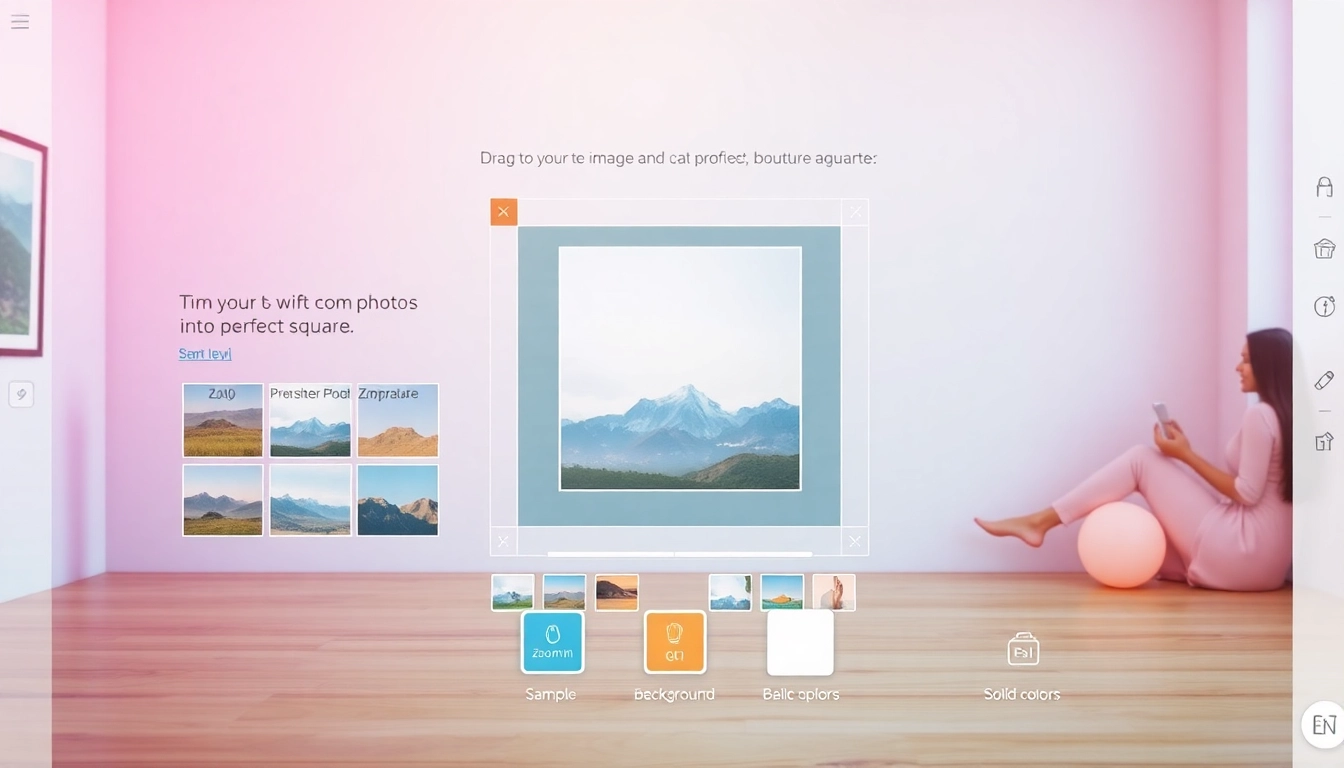
The process of creating a square image begins with uploading your desired photo. Most online tools and applications support various formats, including JPG, PNG, and WebP. After selecting your image, you can easily drag and drop it into the designated upload area on your chosen platform. This straightforward process can be done directly in your web browser, ensuring user privacy and ease of use.
Adjusting Your Image for Perfect Composition
Once your image is uploaded, the next step is to adjust it for optimal composition. Most tools offer a zoom function that allows you to reposition the image to ensure that the most critical elements are perfectly framed within the square boundaries. This step is vital for maintaining the intent and quality of your photo.
Choosing Between Square Crop and Blur Background
When creating square images, you typically have two main options: the square crop and the blurred background. The square crop simply trims the image down to a square size, while the blurred background adds a creative touch by extending the canvas and filling the remaining space with a blurred version of the photo or a solid color. Choosing between these options depends on the artistic effect you desire and the subject of the image.
Tools and Techniques to Make Image Square
Online Tools for Square Image Creation
There are numerous online tools available that enable users to make their images square seamlessly. Platforms like Square Image provide intuitive interfaces that allow you to upload images, select your cropping method, and download the final product without any hassle. These tools often offer additional features such as color adjustments and effects to enhance your square images further.
Mobile Apps for Quick Square Cropping
For those who prefer on-the-go editing, several mobile applications facilitate quick square cropping. Apps like Squaredroid and Canva Mobile allow users to edit images directly on their smartphones, making it easier to create consistent square images for social media while traveling or away from the computer.
Best Practices for Enhancing Square Photos
- Use High-Resolution Images: Ensure that the photos you upload are of high quality to maintain clarity after cropping.
- Experiment with Effects: Don’t hesitate to use filters, overlays, or adjustments to make your square images pop.
- Maintain Balance: Pay attention to the composition. Make sure your subject is centered when using the square crop for maximum impact.
Creative Ideas for Using Square Images
Social Media: Making Your Profile Stand Out
Square images are perfect for social media platforms where uniformity is key. Using square images for profile pictures ensures that your branding appears consistent across different platforms. Additionally, using them in posts can help achieve a visually cohesive feed that attracts more followers.
Blogs and Thumbnails: Capturing Attention
In the world of blogging, thumbnails play a critical role in drawing readers in. Using square images as thumbnails not only creates a clean layout but also enhances the article's professional look. Additionally, platforms like Pinterest favor square aspect ratios, making them ideal for sharing your content widely.
Print Projects: Using Square Formats Creatively
Square images are not just for digital use; they can also be applied creatively in print projects. Whether designing brochures, flyers, or photo books, square images help deliver a fresh perspective and an engaging layout that catches the eye of your audience.
Future Trends in Image Square Creation: What Lies Ahead
Emerging Technologies in Image Processing
As technology advances, the tools available for creating and editing square images will continue to evolve. Innovations in artificial intelligence (AI) and machine learning will likely streamline the editing process, allowing users to make images square with minimal effort while maintaining quality. Enhanced editing features such as automatic background removal and smart cropping will become commonplace, making it easier than ever to create stunning square images.
Predictions for User Preferences in 2026
Looking ahead to 2026, we can expect a shift in user preferences toward more personalized and unique representations of images. This may include increased demand for customizable templates and features that allow individuals to tailor their square images to fit their personal or brand aesthetics. Tools that offer more creative control will likely gain popularity.
Innovative Features to Expect in Online Tools
The coming years will witness online tools incorporating more advanced features to enhance user experience. Expect to see functionalities such as real-time collaboration on image editing, augmented reality previews, and more robust image analytics that provide insights into engagement metrics. As online tools continue to innovate, they will empower users to create captivating square images more efficiently.


