

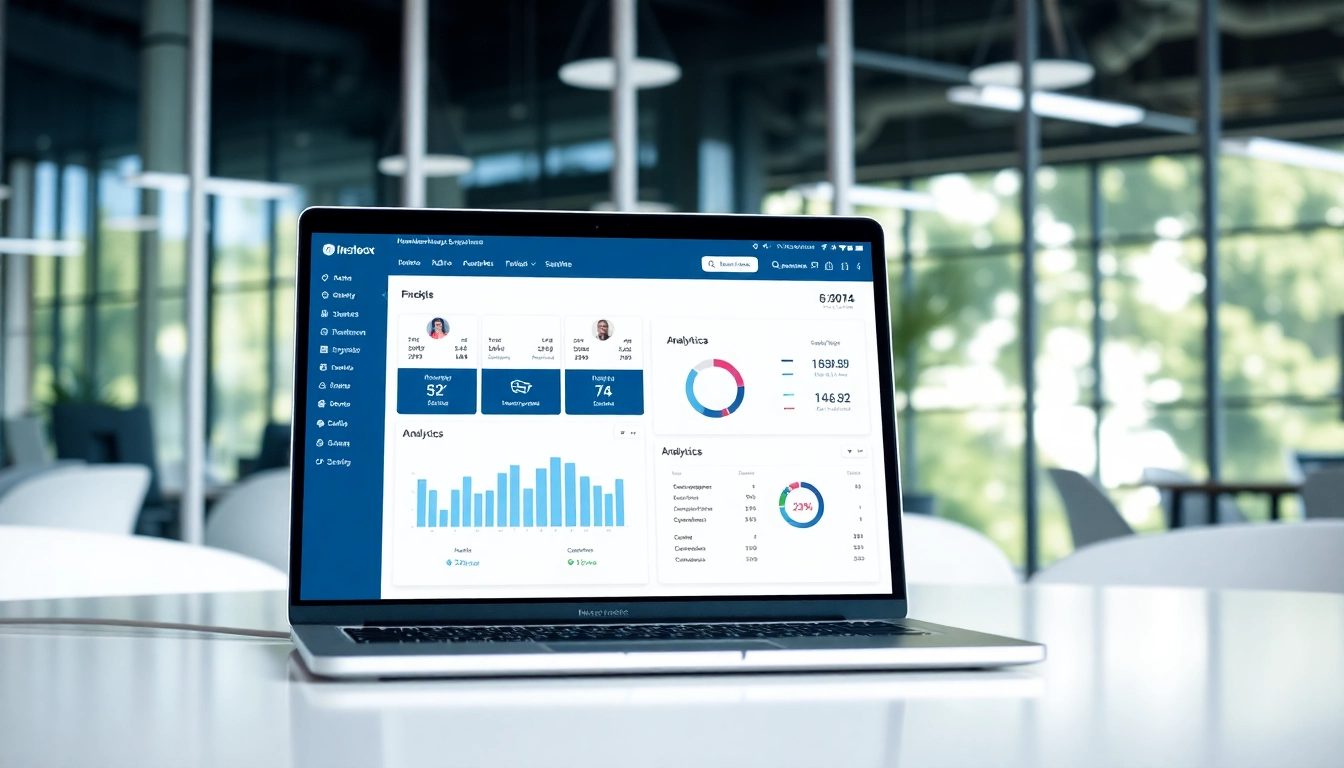
Understanding Membership Software
What is Membership Software?
Membership software is a powerful tool used by organizations to manage membership-related operations efficiently. This software facilitates the automation of various tasks such as member enrollment, financial transactions, event management, and communication. By consolidating these essential functions into one streamlined platform, organizations can enhance their operational efficiency, improve member engagement, and ultimately drive growth. Whether it’s a nonprofit organization, a fitness club, or a professional association, membership software serves as the backbone of effective member management.
Key Features of Membership Software
The effectiveness of membership software lies in its robust set of features that cater to the diverse needs of organizations. Key features typically include:
- Member Management: Track member profiles, dues, and engagement history.
- Automated Billing: Automate recurring payments, renewals, and invoicing to reduce manual work.
- Event Management: Create, manage, and promote events while handling registrations seamlessly.
- Communication Tools: Send newsletters, announcements, and reminders to keep members informed and engaged.
- Reporting and Analytics: Generate reports on member demographics, financials, and engagement metrics for data-driven decisions.
Benefits of Utilizing Membership Software
Adopting membership software offers numerous advantages, including:
- Time Efficiency: Automating time-consuming tasks allows staff to focus on strategic initiatives.
- Increased Engagement: Improved communication fosters stronger relationships with members.
- Scalability: Easily adapt to growth and changes in organizational size or member needs.
- Data Centralization: Store and manage all member-related information in one place for easy access and management.
- Cost Reduction: Reduce administrative overhead by streamlining membership processes.
Choosing the Right Membership Software
Assessing Your Organization’s Needs
Before selecting membership software, it’s crucial to assess the specific needs of your organization. Consider the following factors:
- Size of Membership: Evaluate the number of members you need to manage and the complexity of your operations.
- Budget: Determine your financial capabilities for software investment, including potential ongoing costs.
- Desired Features: Identify features that are critical for your organization, such as event management or financial tracking.
- Growth Potential: Look for software that can scale with your organization as it grows or changes.
Comparing Pricing Models
Membership software pricing can vary significantly based on features and user capacity. Most common models include:
- Monthly Subscription: A recurring fee that can range anywhere from $10 to over $200, depending on the level of features and support.
- Annual Plans: Many services offer discounts for annual subscriptions, providing a cost-effective option.
- Freemium Models: Some software solutions offer basic free versions, with premium features available for a fee.
When comparing pricing, consider both your current and projected future needs to ensure that the solution will grow with you.
Evaluating User Experience and Support
The user experience of membership software plays a vital role in its successful implementation and ongoing use. When evaluating options, consider:
- Interface Design: Look for intuitive interfaces that minimize the learning curve for your team.
- Customer Support: Assess the availability of support channels—live chat, phone, or email—and response times.
- Training Resources: Examine whether the provider offers training sessions, tutorials, or other resources to help staff get acquainted with the software.
- User Reviews: Explore feedback from current users to gauge satisfaction levels and identify potential issues.
Implementing Membership Software
Setup and Customization Steps
The implementation of membership software requires careful planning. Key steps include:
- Initial Setup: Create a timeline for implementation and gather existing member data to import into the new system.
- Custom Configuration: Customize settings according to your organizational needs, including dues structures and communication preferences.
- Testing Phase: Conduct thorough testing of the system to ensure all functionalities operate seamlessly.
- Launch: Roll out the software across the organization and monitor its performance closely during the initial stage.
Integrating with Existing Systems
Ensuring that your membership software integrates effectively with existing systems is vital for smooth operations. Consider the following:
- Data Importation: Verify whether the software allows easy migration of member data from existing databases.
- Third-Party Integrations: Check for compatibility with other tools you use, such as email marketing platforms or financial software.
- API Availability: Assess if the software offers an API that allows for further customization or integration with other systems in use.
Training Your Team for Success
Proper training of staff is essential to maximize the benefits of your new membership software. Steps include:
- Training Sessions: Organize training workshops to familiarize staff with the software features and functionalities.
- Reference Materials: Provide manuals, video tutorials, and FAQs for ongoing reference as staff become accustomed to the software.
- Feedback Mechanism: Establish a system for gathering feedback from users to identify pain points and areas for improvement.
Maximizing the Use of Membership Software
Automating Member Communication
To foster a robust relationship with members, utilize the communication features of your membership software effectively:
- Newsletters: Automate regular newsletters to keep members updated about upcoming events and changes.
- Reminders: Set up automated reminders for dues payments, event registrations, and important deadlines.
- Surveys: Implement automated surveys post-events to gather feedback and improve member engagement.
Utilizing Analytics for Decision Making
Leverage analytics tools provided by membership software to inform strategic decisions:
- Engagement Metrics: Analyze member engagement levels to identify which activities or communications yield the best results.
- Financial Reports: Regularly review financial reports to ensure budgets align with organizational goals.
- Trend Analysis: Look for trends over time to adjust offerings and member services accordingly.
Continuous Improvement Practices
To ensure your membership program remains effective, engage in continuous improvement practices:
- Feedback Reviews: Regularly assess member feedback to identify areas for enhancement.
- Benchmarking: Compare your performance metrics against industry standards to gauge effectiveness.
- Adaptability: Be willing to pivot strategies based on data insights and member needs.
Frequently Asked Questions About Membership Software
What features should I look for in membership software?
Look for features like member management, automated billing, event management, communication tools, and analytics to ensure comprehensive functionality.
How can membership software improve member engagement?
By automating communications, simplifying event registrations, and providing insights into member preferences, membership software enhances overall engagement levels.
Is membership software suitable for small organizations?
Yes, membership software can be tailored to fit small organizations, providing scalable solutions that grow with your needs.
Can I try membership software before purchasing?
Many providers offer free trials or demo versions, allowing you to explore features and functionality before committing to a purchase.
How do I ensure data security with membership software?
Ensure that the software provider complies with data protection laws and offers features like encryption and user access controls for enhanced security.