Understanding SRT Generators
What is an SRT Generator?
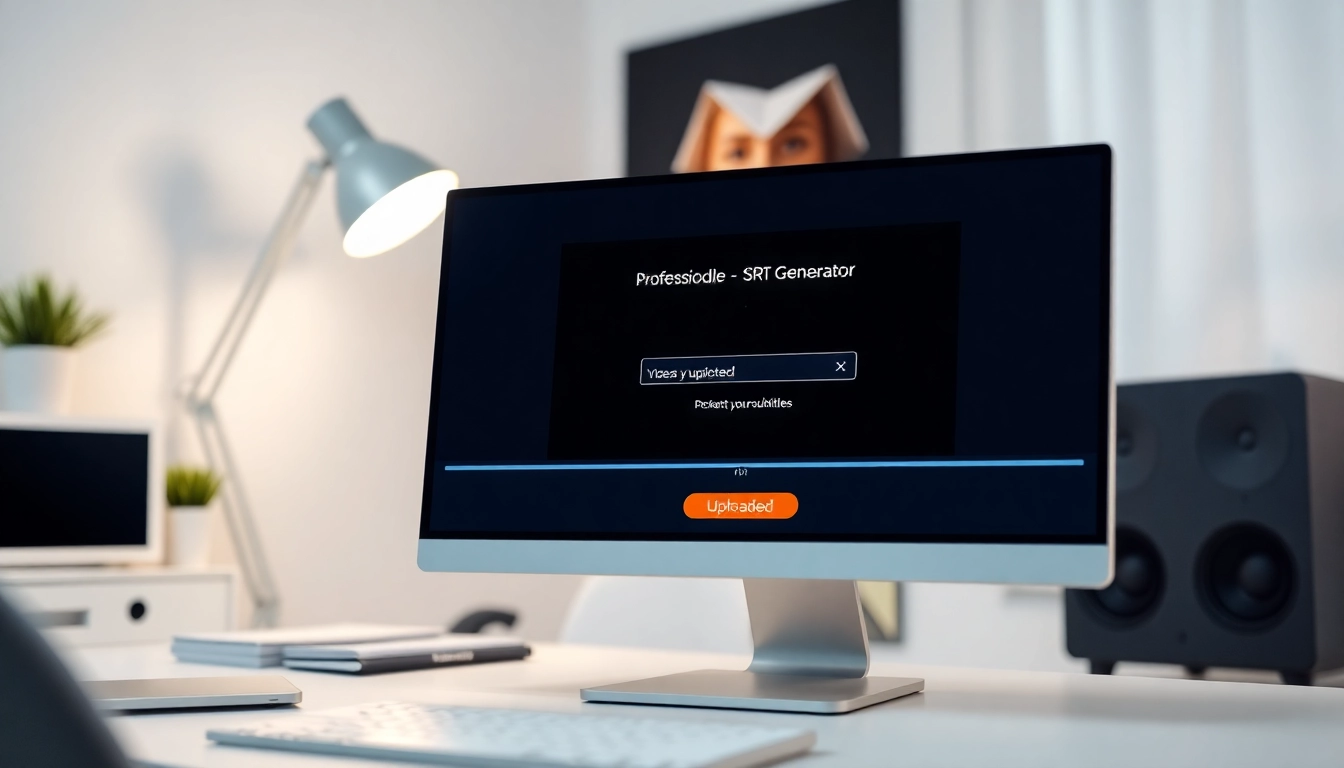
An SRT Generator is a specialized tool designed to create SubRip Subtitle (.srt) files automatically or through user input. These files contain text representing spoken dialogue and relevant timing details, allowing viewers to read subtitles while watching videos. The .srt format is widely supported across various video players and platforms, making it essential for content creators looking to enhance accessibility and viewer engagement. You can use an SRT Generator to facilitate this process seamlessly.
How SRT Generators Work
SRT generators operate by analyzing audio or video files, extracting speech through speech recognition algorithms, and converting it into readable text. The software applies timestamps to the text, indicating when each subtitle should appear and disappear on-screen. Advanced generators can also provide translation capabilities, allowing subtitles to be created in multiple languages instantly. Overall, these tools leverage artificial intelligence and machine learning frameworks to enhance transcription accuracy and user experience.
Benefits of Using an SRT Generator
The advantages of employing an SRT generator are numerous. Firstly, they significantly reduce the time and effort needed to create subtitles manually, which is crucial for content creators who wish to publish videos quickly. Additionally, generating SRT files automatically improves accuracy compared to manual typing, minimizing errors related to timing and text content. Furthermore, SRT files increase the reach of videos by making content more accessible to deaf and hard-of-hearing individuals, as well as non-native speakers. The enhanced viewer experience also reflects positively on overall engagement and retention rates.
How to Choose the Right SRT Generator
Key Features to Consider
When selecting an SRT generator, users should examine a variety of features that cater to their specific needs. Critical features to look for include:
- Speech Recognition Accuracy: This determines how well the tool can transcribe spoken dialogue into text.
- Support for Multiple Languages: A good SRT generator should be able to translate and create subtitles in various languages.
- Easy File Upload and Download: The process of importing videos and exporting SRT files should be straightforward and user-friendly.
- Customization Options: Options to modify subtitle styles, such as font type, size, and color can enhance viewer engagement.
- Integration with Editing Tools: It should work harmoniously with video editing software to facilitate seamless post-production workflows.
Free vs. Paid Options
When selecting an SRT generator, users must weigh the pros and cons of free and paid options. Free tools often suffice for casual users seeking basic functionality. However, they may have limitations such as file size constraints, fewer language options, or lack of customer support. Paid options tend to offer more robust features, better accuracy, and continuous updates and support, making them suitable for professional content creators or businesses with intensive subtitle needs.
User Reviews and Feedback
One of the best ways to gauge the effectiveness of an SRT generator is to read user reviews and feedback. This information can provide insights into the tool's reliability, customer service, and overall user experience. Online forums and review sites often feature genuine experiences that can help potential users make informed decisions. Keep an eye out for comments regarding transcription accuracy and ease of use, as these aspects are crucial in selecting the right tool.
Step-by-Step Guide to Using an SRT Generator
Uploading Your Video or Audio
The first step in using an SRT generator is uploading your video or audio file. Most platforms offer multiple upload methods, including drag-and-drop functionality and integration with cloud services like Google Drive or Dropbox. Ensure that your file is in a supported format to avoid compatibility issues.
Selecting the Language and Settings
Once the file is uploaded, users must select the appropriate language for the transcription. This step is crucial for accurate subtitles, especially in multilingual content. Some advanced generators may also allow users to adjust settings such as output format and subtitle preferences, providing greater control over the final product.
Exporting Your SRT File
After the subtitles are generated, the process concludes with exporting the generated SRT file. Most SRT generators provide options to download the file directly to your device or save it to a linked cloud storage account. Be sure to review the subtitles for accuracy before finalizing, as adjustments may be necessary based on context or specific terminologies used.
Troubleshooting Common Issues with SRT Generators
Dealing with Incorrect Transcriptions
Incorrect transcriptions are a common issue faced by users of SRT generators. To remedy this, consider editing the text directly within the generator interface if this feature is available. Additionally, listening to the audio while reviewing the subtitles can help ensure accuracy, enabling users to catch and correct errors in real-time.
Formatting Problems to Avoid
Formatting issues can arise, particularly with timing inaccuracies causing subtitles to appear too early or too late. To avoid this, verify that the timestamps correctly reflect the on-screen speech, and adjust manually if necessary. Additionally, keeping to a standard time format (hours:minutes:seconds) will prevent playback issues across different video players.
Ensuring Compatibility with Various Playback Devices
Not all video players support SRT formats uniformly. To ensure compatibility, test the generated SRT file on various devices and platforms before final use. Familiarize yourself with any specific requirements for your target audience, such as format settings or playback interfaces.
Advanced Tips for Maximizing Your SRT Generator
Enhancing Accuracy with Manual Edits
Even the best SRT generators can produce errors. Therefore, manually editing the generated subtitles is an essential step. Pay special attention to names, technical terms, and industry jargon that the software might misinterpret. A meticulous review process can significantly enhance the clarity and accuracy of your subtitles.
Integrating SRT Files with Video Editors
Many video editing software platforms allow users to incorporate SRT files directly into their projects. By integrating subtitles during the editing phase, creators can ensure proper synchronization with audio and visual elements. This approach also offers the ability to customize subtitle styles to match the overall video aesthetic.
Using Multiple Languages for Localization
For global outreach, consider creating SRT files in multiple languages. Use an SRT generator that supports various languages and develops a strategy for localization that goes beyond simple translation. This may involve cultural adaptations of content to ensure it resonates well with diverse audiences.
Frequently Asked Questions
1. How to generate an SRT file for free?
You can generate an SRT file for free by uploading your video to an SRT generator, selecting the language, and exporting the subtitles in the .srt format. Many online tools offer this functionality at no cost.
2. What is the best subtitle generator?
The best subtitle generator varies by user needs. Look for options with high accuracy, language support, user-friendliness, and robust customer support. User reviews can help you assess various tools.
3. How to make your own SRT?
Create your SRT file by using a text editor to include timestamps and corresponding dialogue. Follow the SRT format correctly to ensure it functions with video players.
4. How to turn text into SRT?
Convert text into SRT format using online tools that support this function. Upload your text file, choose the desired format, and follow the prompts to generate the SRT file.
5. Can I edit the generated subtitles?
Yes, editing generated subtitles is advisable. Most SRT generators allow you to modify the text directly, improving accuracy and ensuring it meets your aesthetic or contextual requirements.